Playing connects to YouTube, which receives your IP address and browser details and may use cookies. Close the player at any time. Privacy policy ↗
PSynth3
PSynth3
PSynth3 is downloadable software: a VST3 synthesizer and standalone application for Windows 64-bit. No physical product is shipped.
Build a gritty bass, glassy FM keys, or a pad that changes as you hold the chord. PSynth3 gives you 17 engines across four independent oscillators and 12 filter models, from rounded ladder sweeps to vocal formants.
With Vector Core, one move across the XY pad can blend oscillators, open a filter and bring up the reverb. Play the movement live, or record it and loop it in time with your track.
Fourteen Vector Motion shapes include Atom. Choose Smooth or Stepped playback, then record, edit and save your own XY gestures.
PSynth3 1.0.83
3 days free. Full functionality.Try PSynth3 for free
PSynth3
Explore the interface
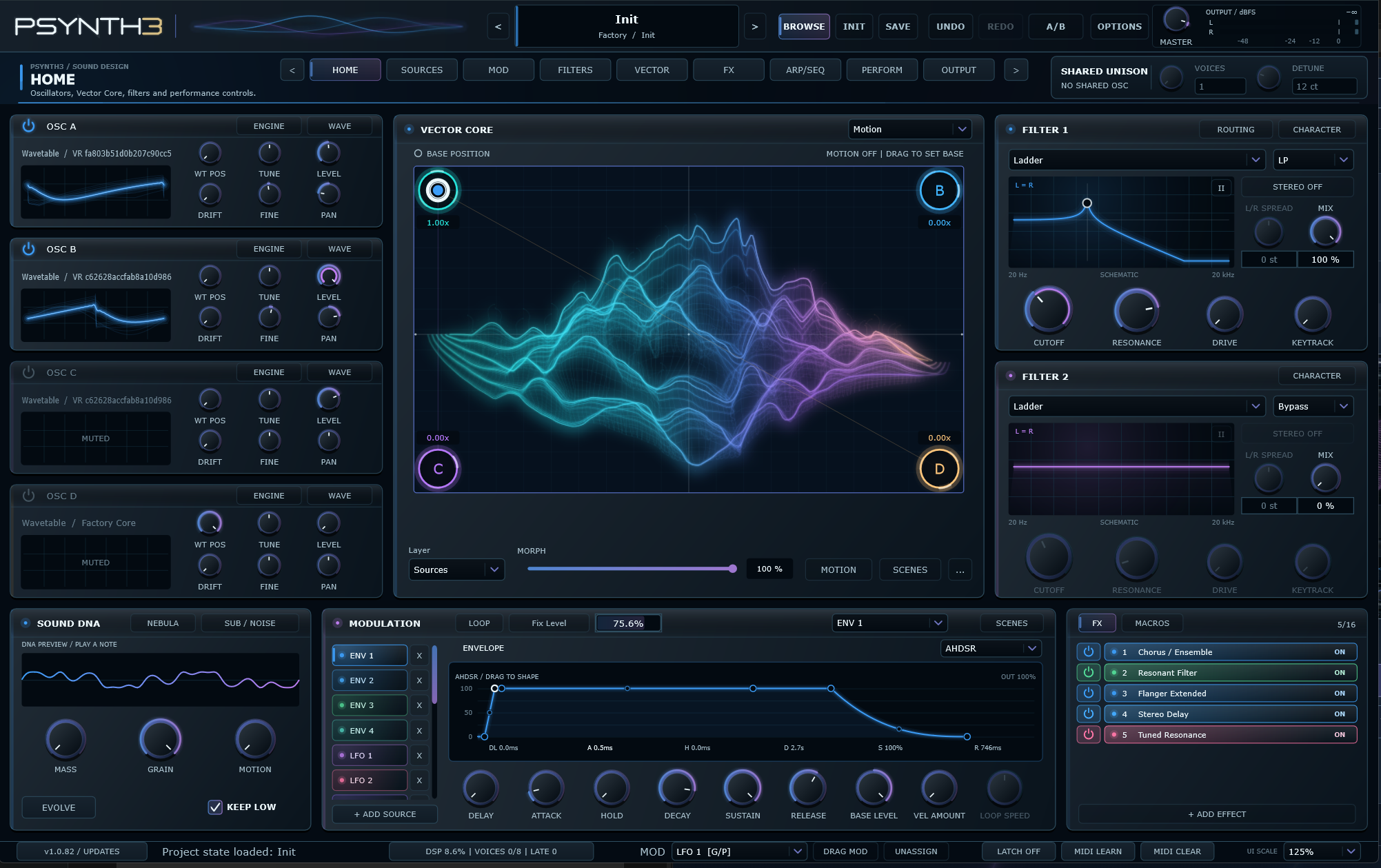 Instrument overview
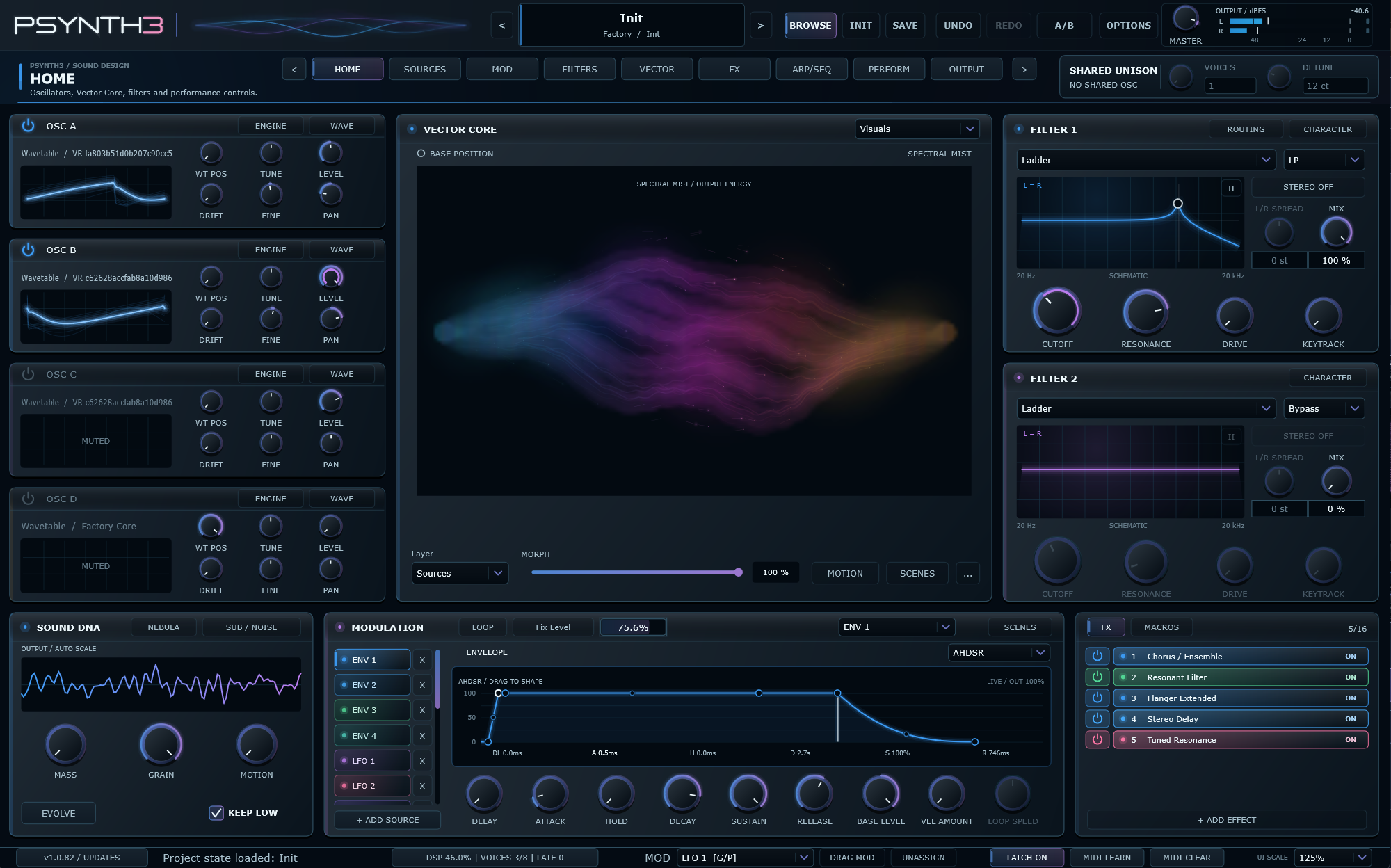 Vector Core
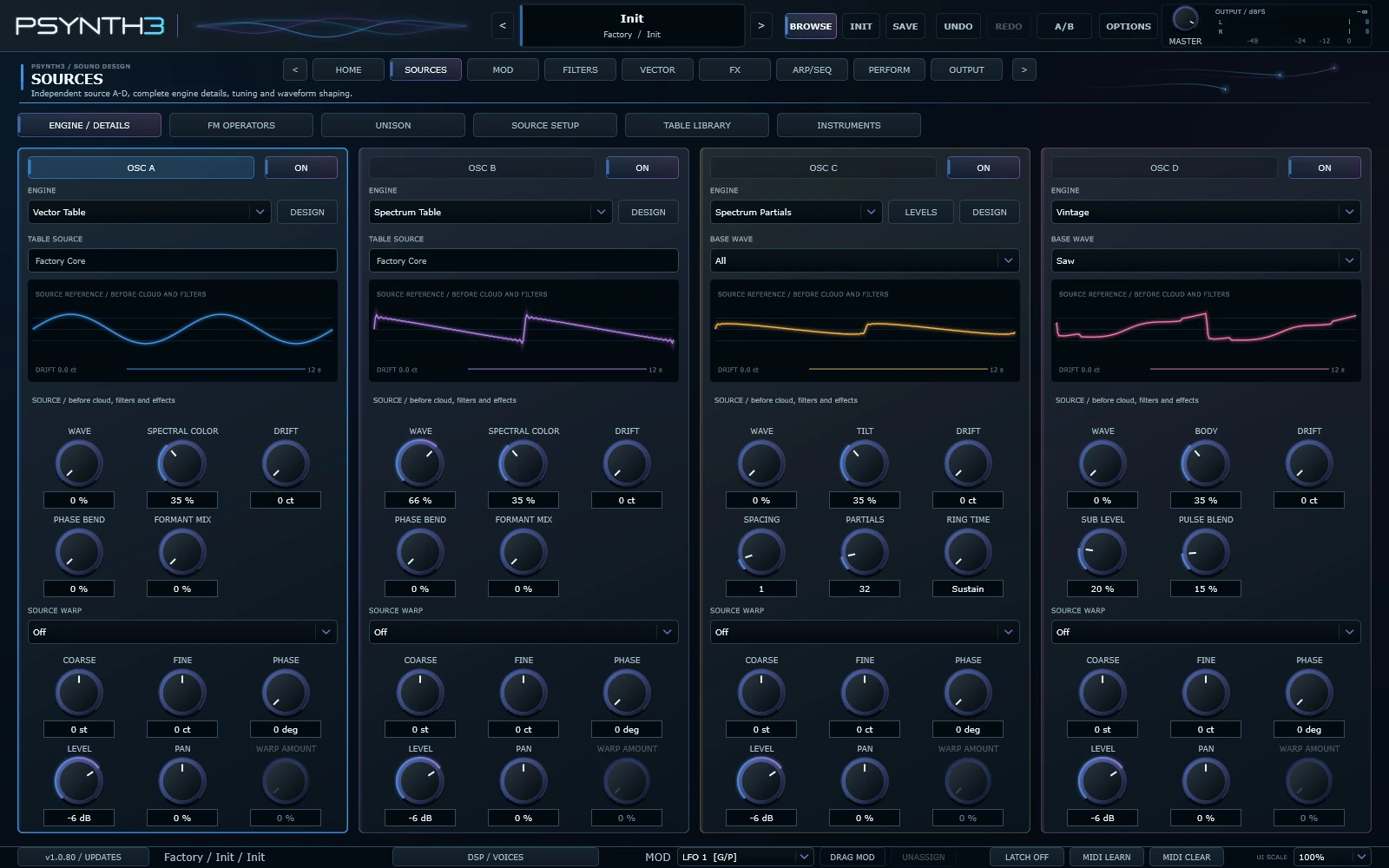 Oscillator engines
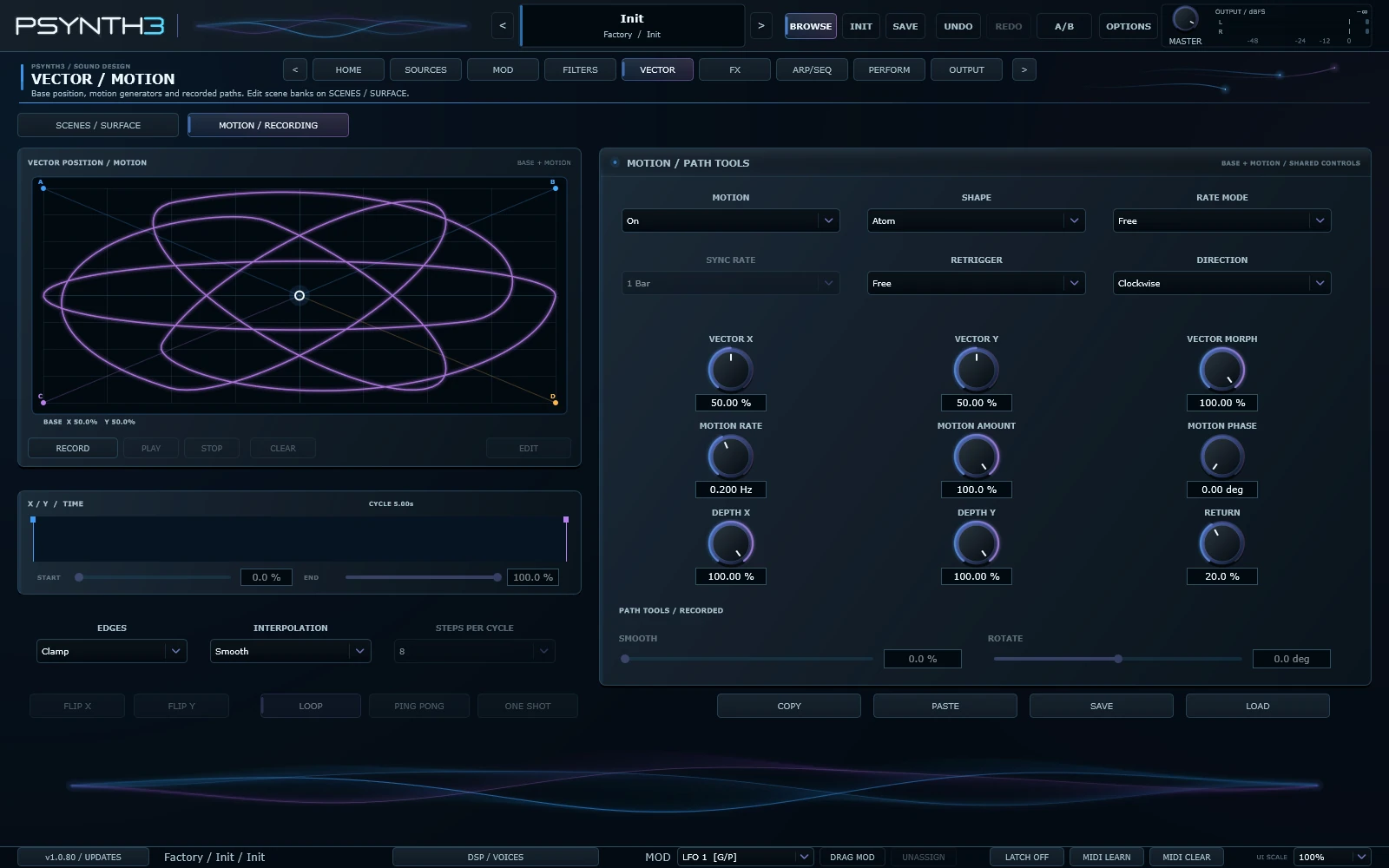 Vector Core motion
 Filters
 Modulation
 Effects rack during playback
 Arpeggiator and sequencer
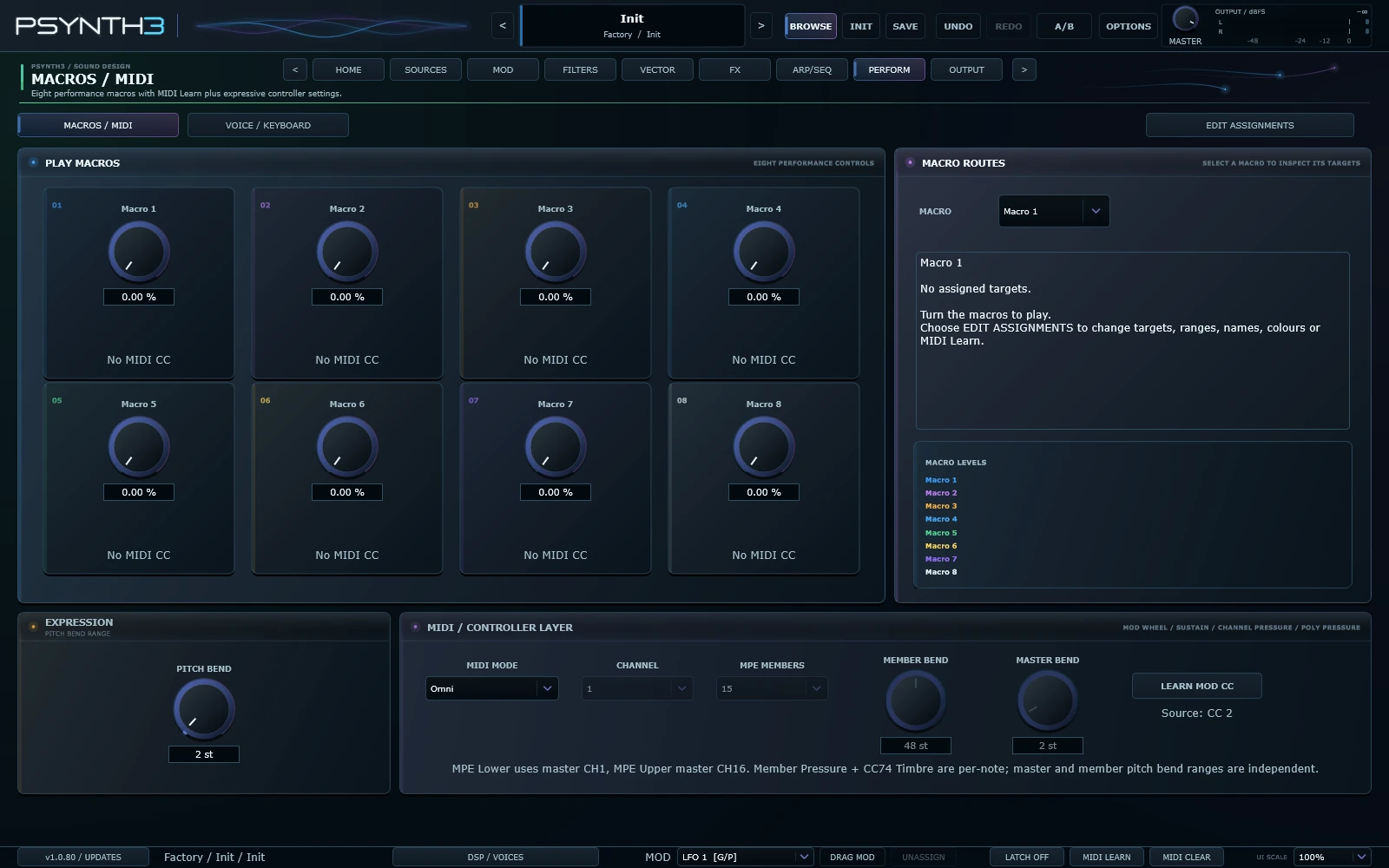 Performance macros
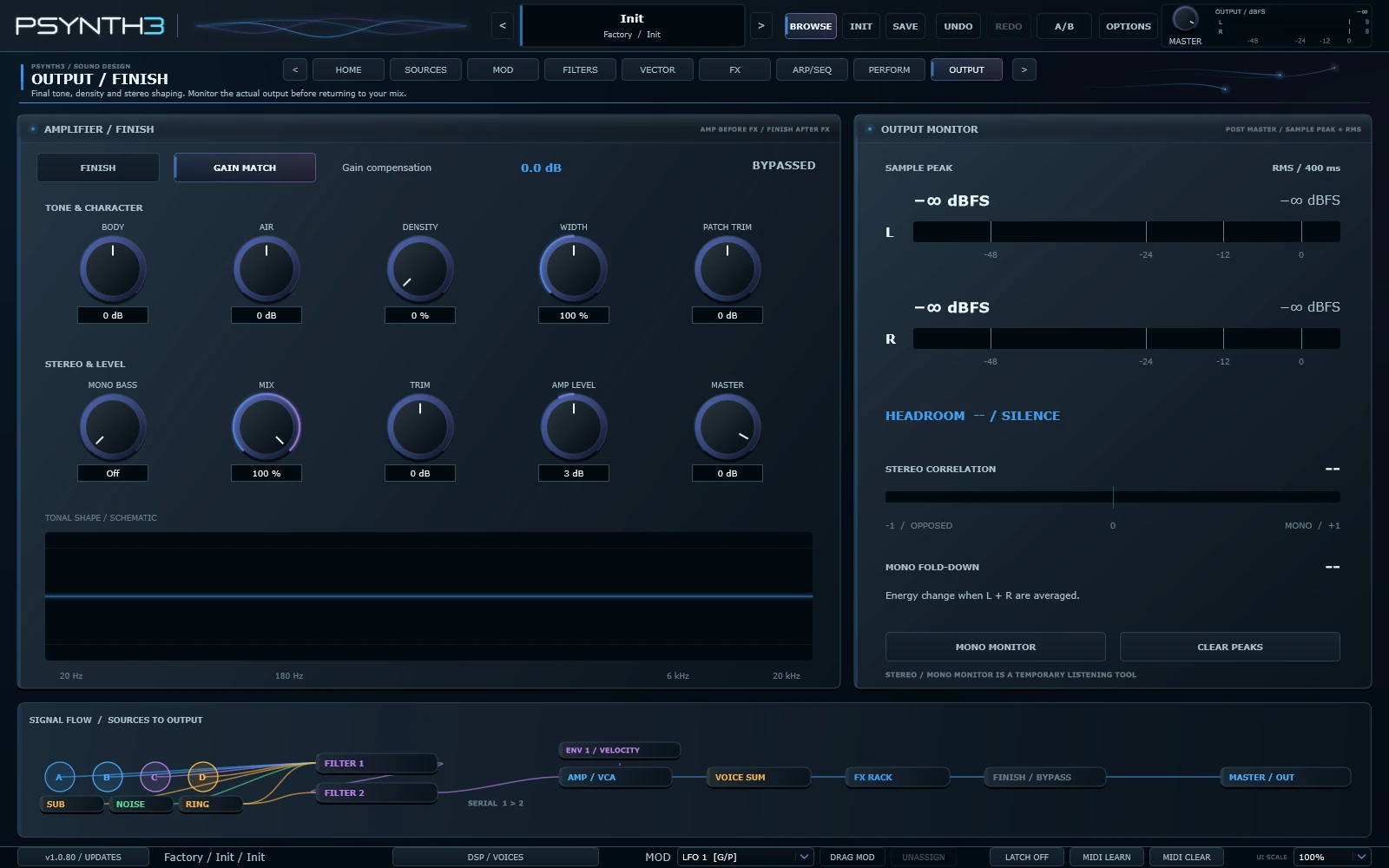 Output and monitoring
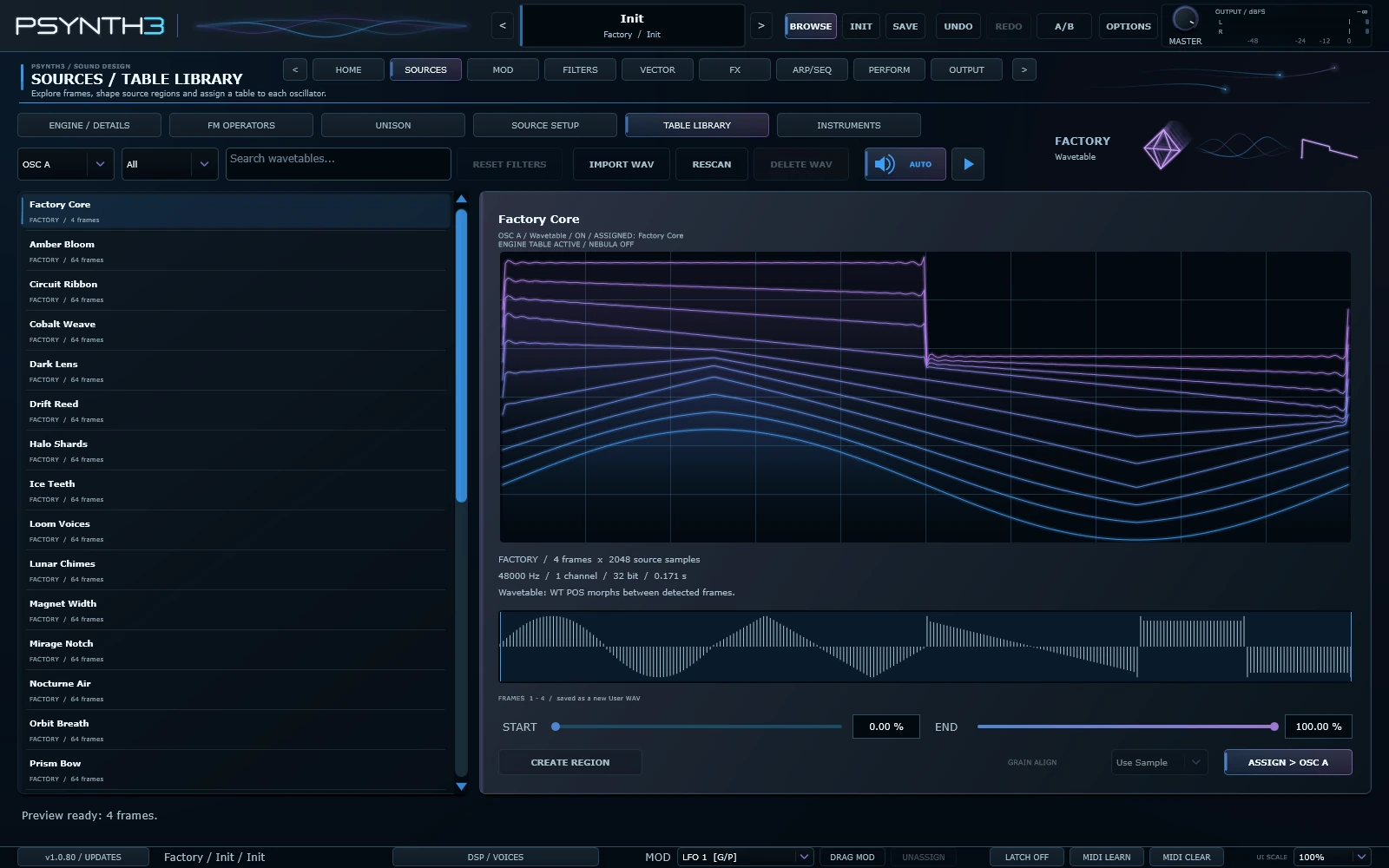 Factory wavetable region
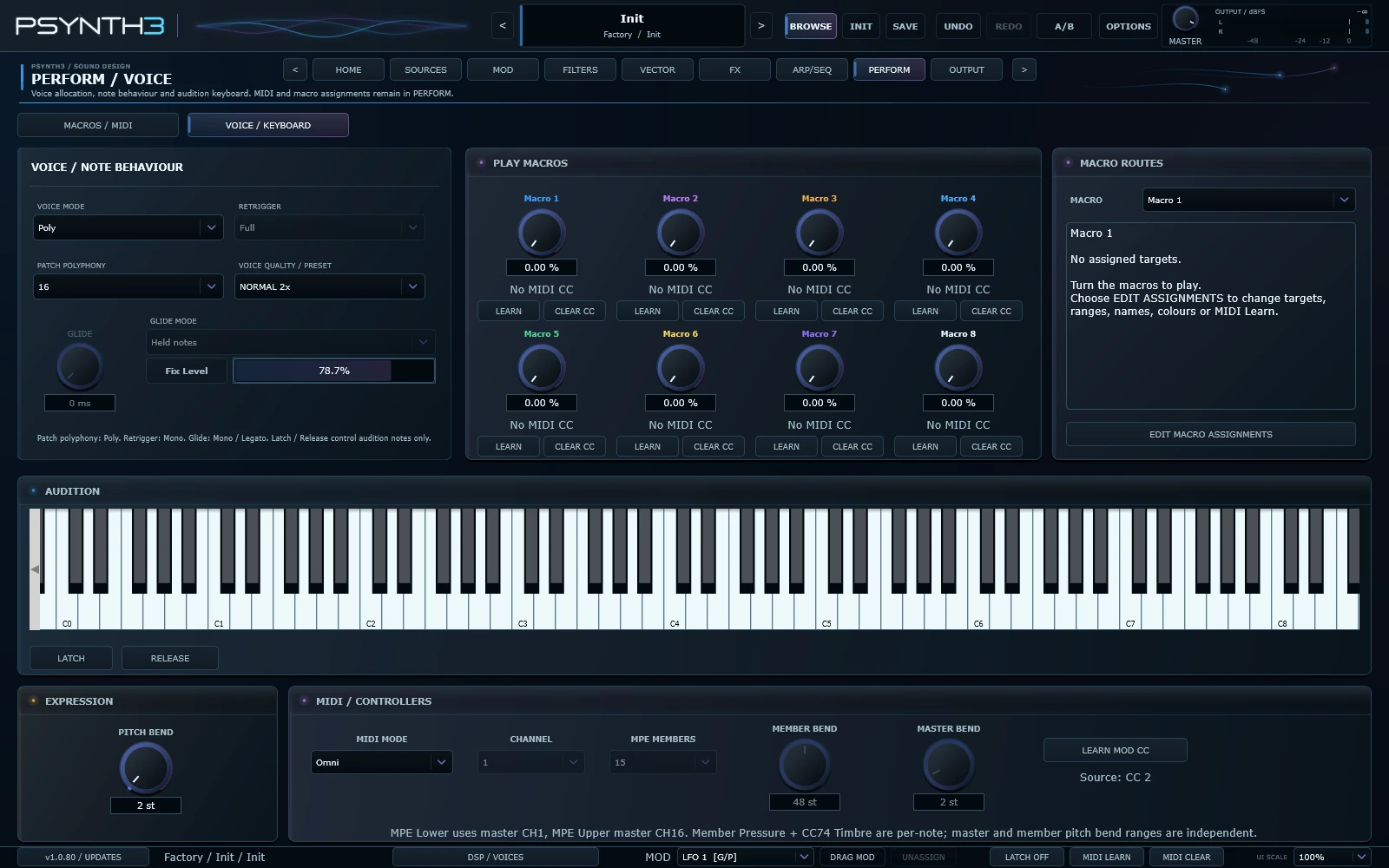 Synth voice
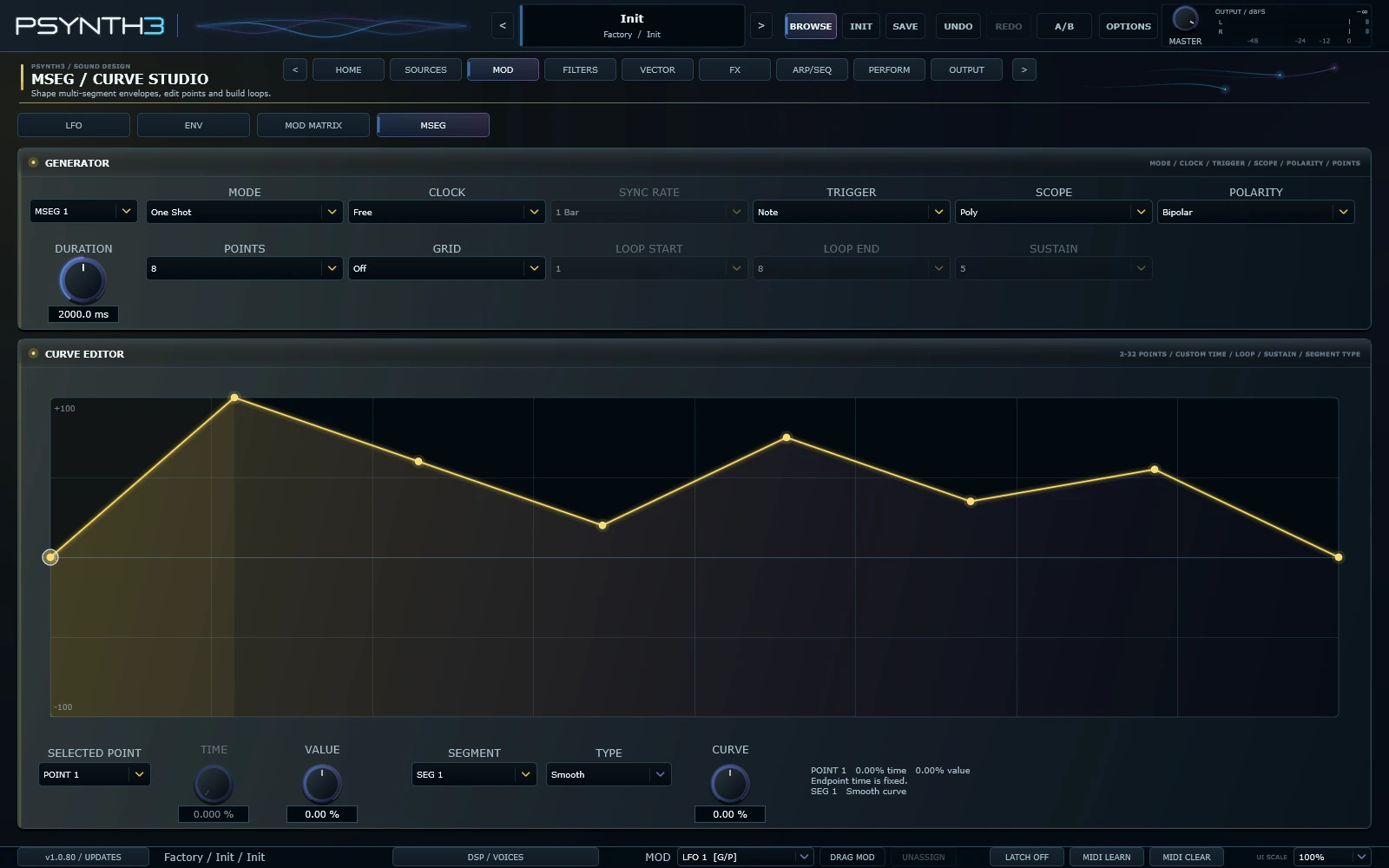 MSEG curves
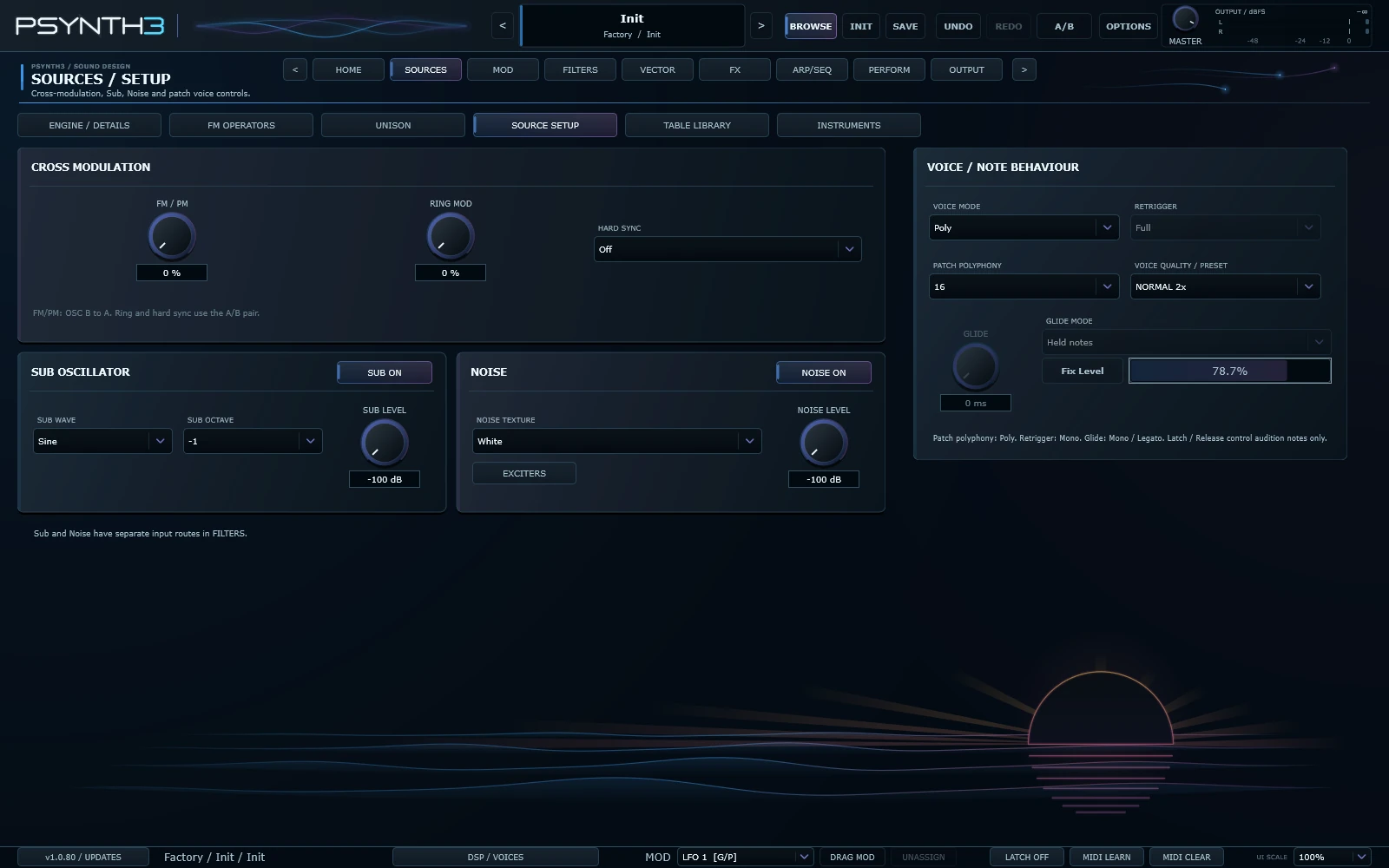 Oscillator setup
Voice and keyboard
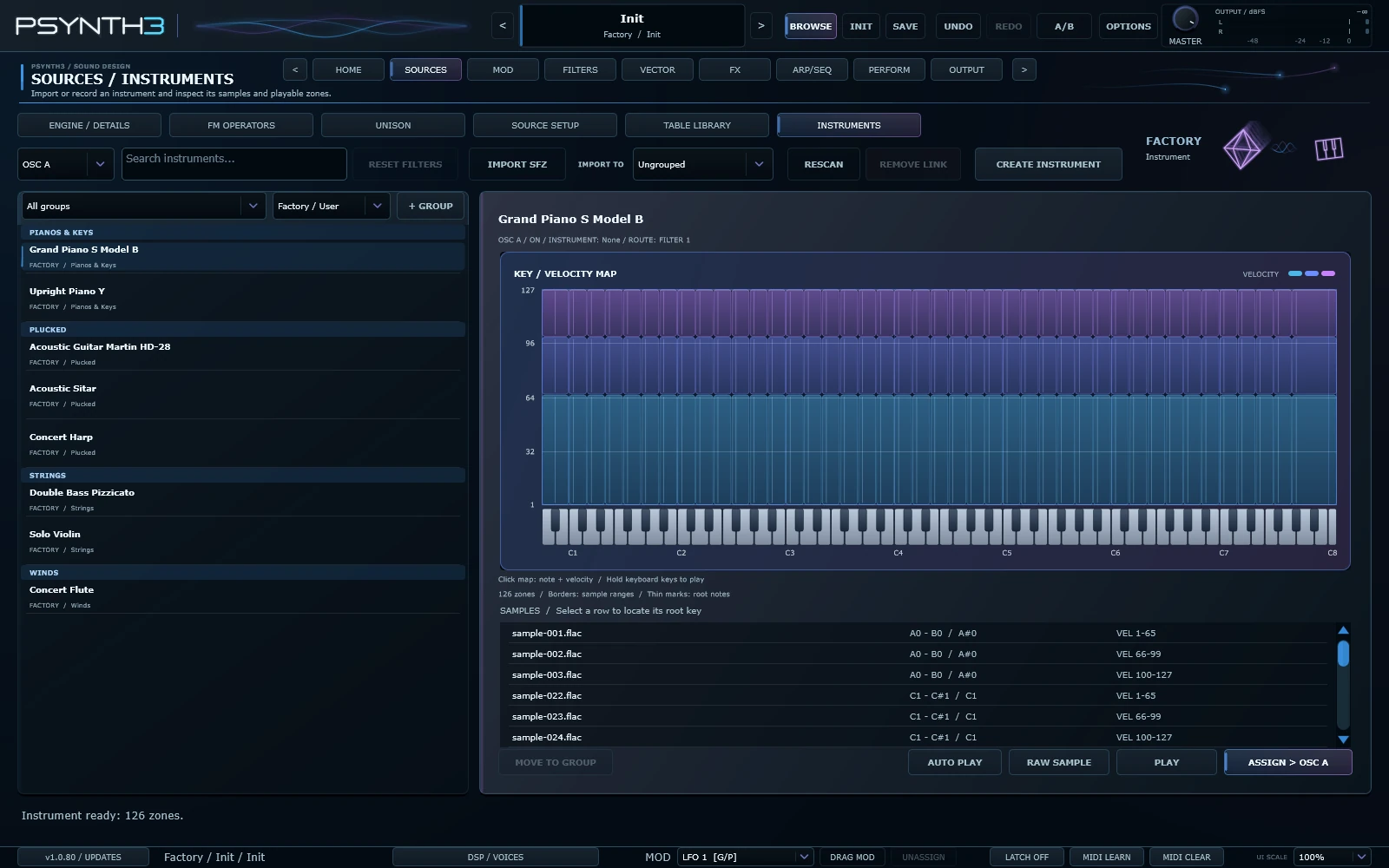 Factory instruments and sample mapping
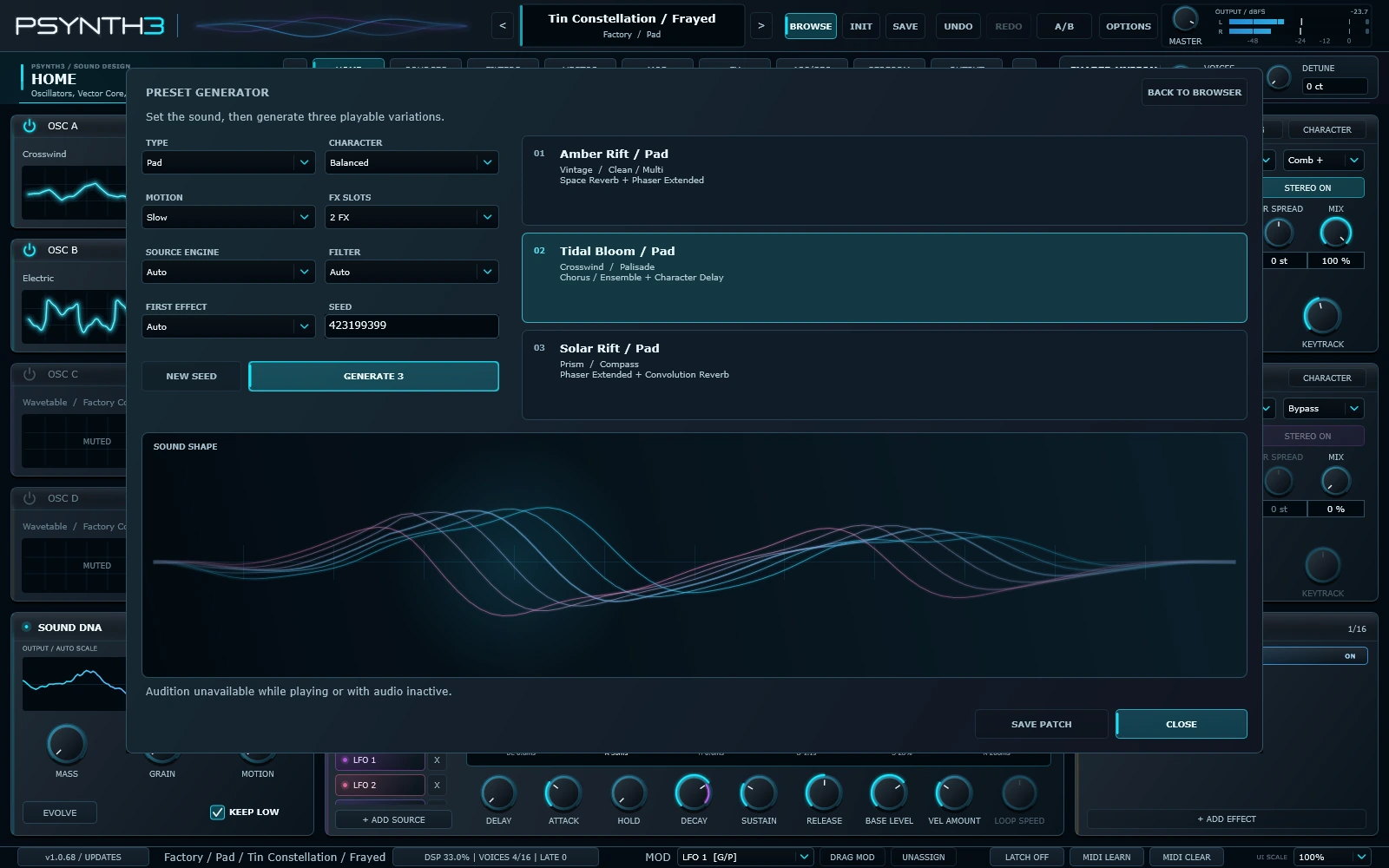 Preset Generator
About PSynth3
Hold a chord and move across the Vector Core pad. A bell-like FM attack gives way to a wavetable pad, the filter opens, and the reverb comes up. You decide what happens at each corner and how far the sound changes between them. Play that movement by hand, record it as an XY gesture, or loop it in time with your track.
Synthesis and sampled instruments
Vector Table, Spectrum Table, Spectrum Partials and Overtone offer independent synthesis paths. Shape partials in paged DESIGN and LEVELS editors, then process them with Vector Effects or Spectrum Effects.
Each oscillator slot can run a different engine. Use Vintage for a pulse bass with a solid sub layer, then add Ember for an attack that bites harder as you play and slides between overlapping notes. Crosswind combines oscillator sync and ring modulation. Foundry drives a three-oscillator mixer inside a single slot. Prism blends classic waveforms with wavetables, while FM Operators gives you four operators for glassy keys, bells and metallic percussion.
The full engine lineup includes Wavetable, Vintage, Hard Digital, Electric, FM Operators, Voltage, Poly Circuit, Reed, Ember, Crosswind, Foundry, Prism, Lumen, Overtone, Vector Table, Spectrum Table and Spectrum Partials. Import a WAV to build your own wavetable, or use Nebula Cloud to turn a steady tone into a drifting cloud of grains.
Two filters, twelve models
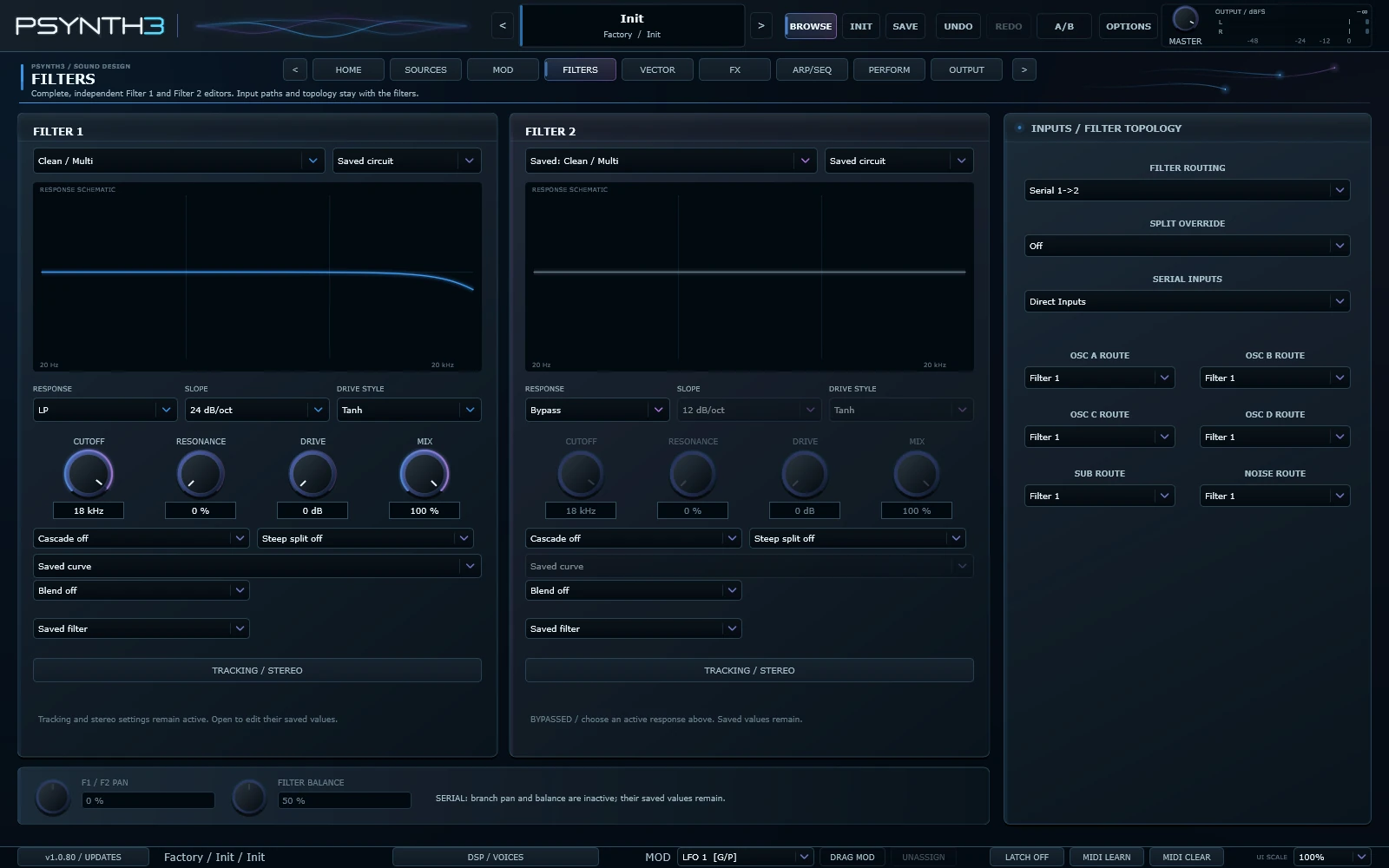
Try Ladder on a saw bass for a rounded sweep, tune Comb until a short pluck starts to ring, or sweep Formant between vowels. The circuit models each have their own controls. Contour responds to input level, so the cutoff can shift as you drive it. Cinder adds a sharper edge, while Compass lets you trim the low end independently of the resonant low-pass cutoff.
Choose from Clean / Multi, Ladder, OTA 12, Comb, State Variable, Formant, Voltage LP, Palisade, Contour, Cinder, Compass and Prism. Route each oscillator to either filter, both, or the direct path. Run the filters in parallel to keep two layers distinct, or in series to shape one sound in two stages.
Instruments is another source on each oscillator. Start with eight sampled Factory instruments, including piano, violin, flute, harp, guitar and sitar, or import your own SFZ. Use Shared Unison or give each oscillator its own unison settings and octave layer.
Generate a patch and make it yours
Choose a sound type, character and movement in Preset Generator and hear three variations. Pick from 13 synth engines or sampled Instruments, 19 filter setups and up to eight effects. The additional filter choices include Low / High SVF, Diffuser, phase responses, Band / Notch and Feedback Drive.
Explore 440 Factory presets, Factory wavetables and the sampled instrument library. In Table Library, select full frames from a Factory table and save them as a new User WAV. Updates keep your User content.
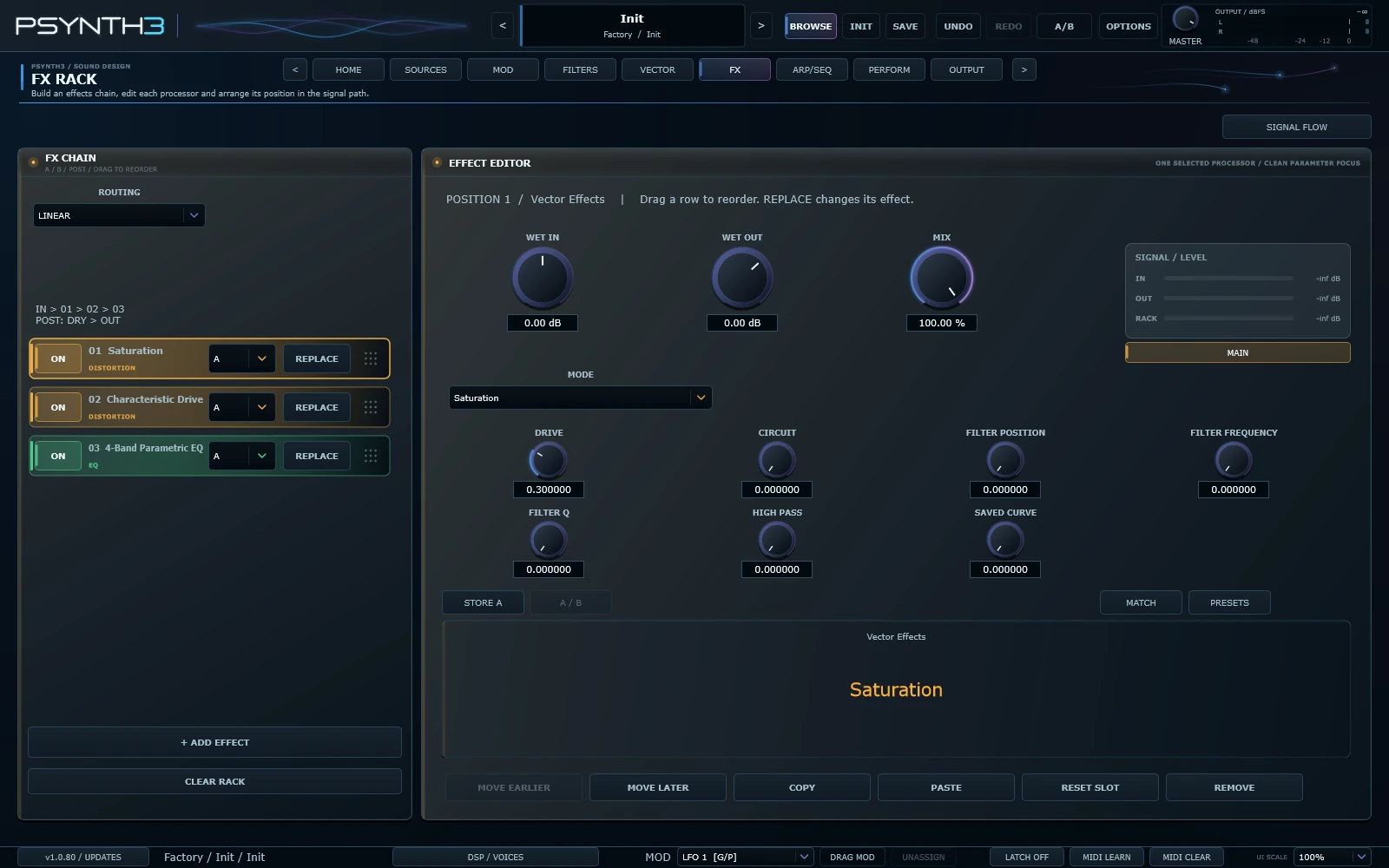
Play through the FX Rack to see the selected effect light up with the signal. Tap Field shows stereo tap spacing, taper and diffusion; the highlights travel through the taps as you play.
From the first note to the finished patch
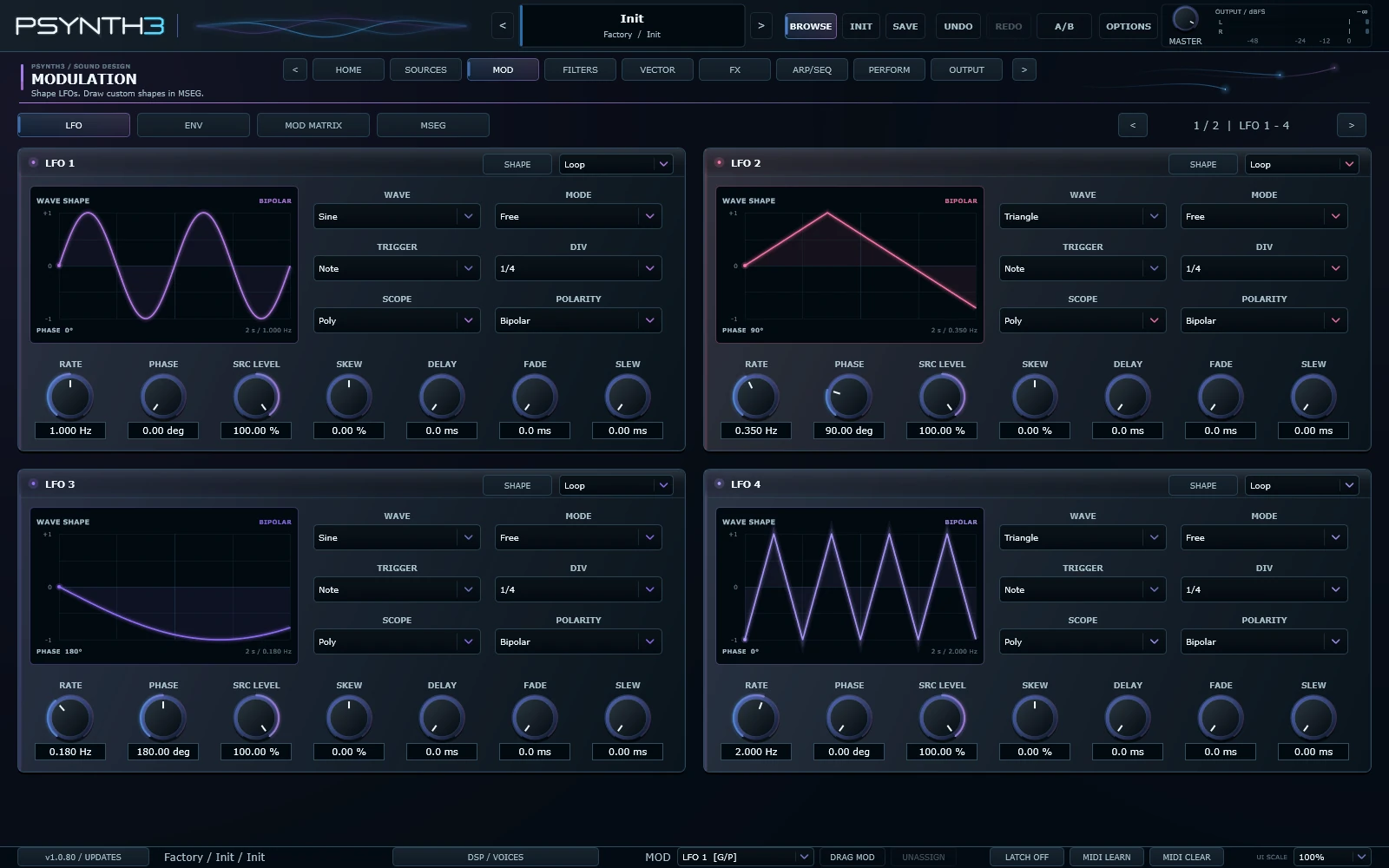
Eight LFOs, eight envelopes and four MSEGs. Assign modulation, choose Loop or One Shot, and perform with eight macros, MIDI Learn and MPE.
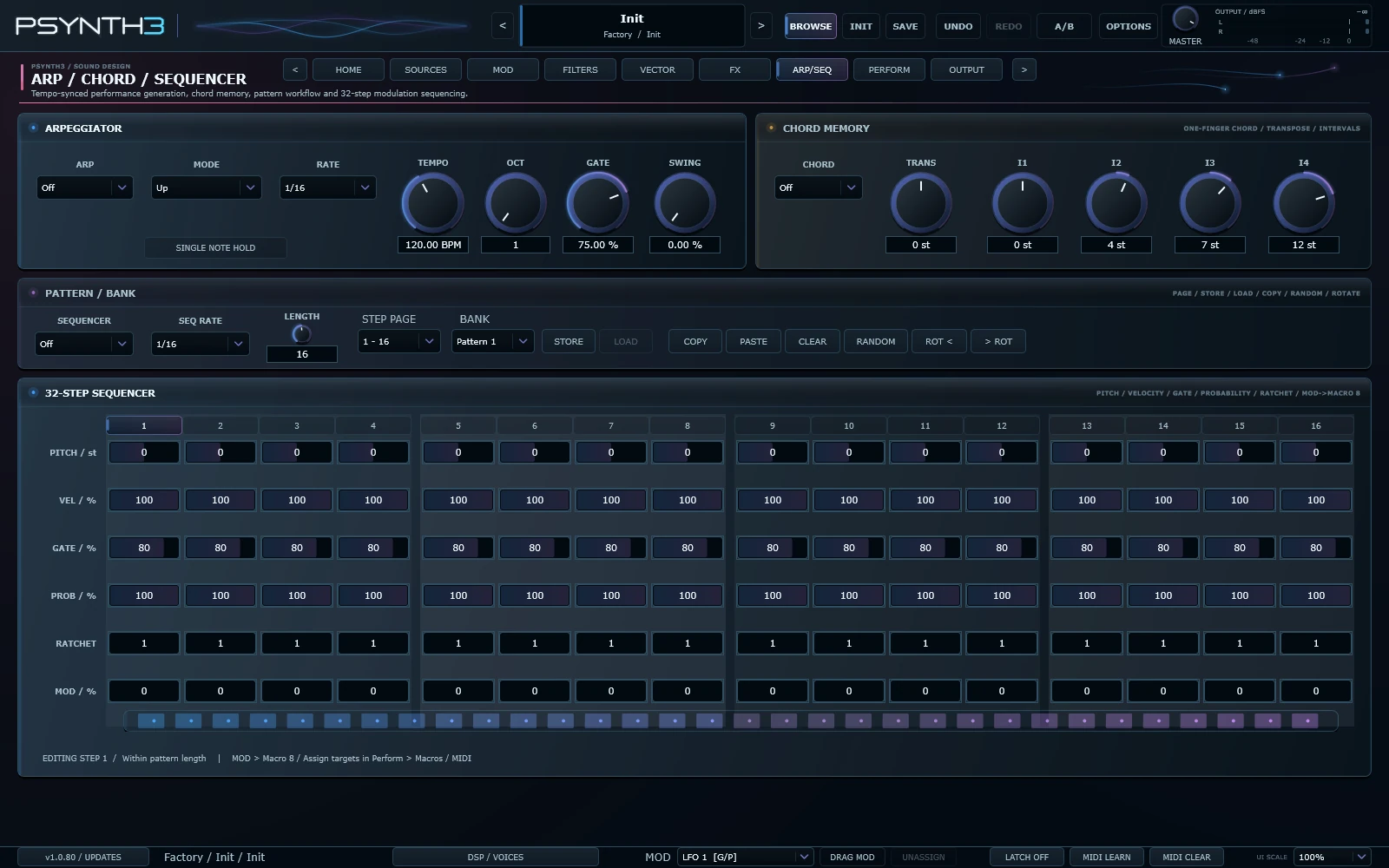
The arpeggiator, chord memory and 32-step sequencer let you build a part inside the patch, down to the probability and repeats of individual steps. The 16-slot effects rack can run in series, in parallel or as a send-and-return setup. Keep a pluck dry and close in the main path, then send just enough of it to a long reverb to leave space around the notes.
PSynth3 is available as a VST3 instrument and a standalone application for Windows x64. We’re continuing to develop it, with more factory sounds, new sound-design and performance features, and workflow refinements planned for future releases.
Watch & listen
Playing connects to YouTube, which receives your IP address and browser details and may use cookies. Close the player at any time. Privacy policy ↗
PSynth3 VST3 | 440 Factory Presets | Chords (No Talking)
Watch on YouTube ↗HRL Center
HRL Center
Download and activate PSynth3 with HRL Center.
Create an HRL account or sign in to continue.
From the first instrument to the next
The PSynth synthesizer range.
01 / Available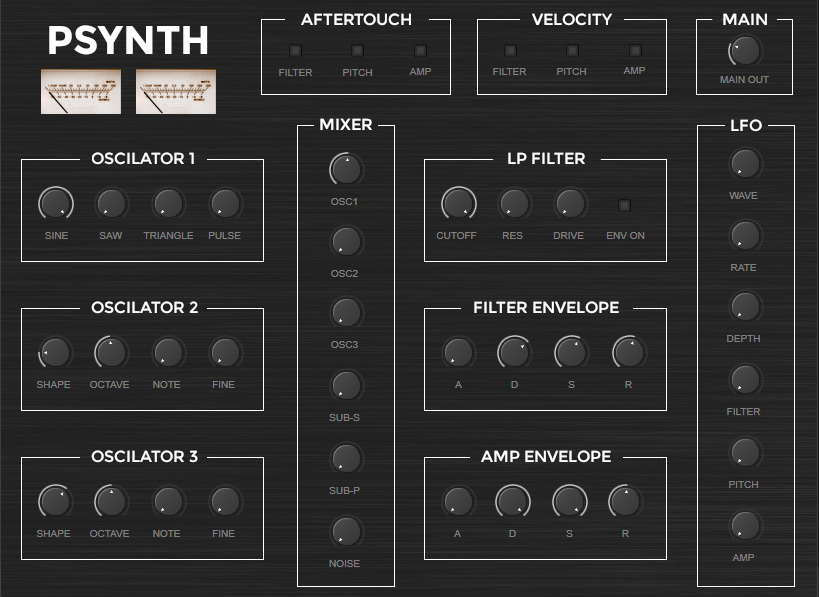
PSynth
Three oscillators, a low-pass filter and LFO modulation. The first instrument in the family.
Free download 02 / AvailablePSynth2
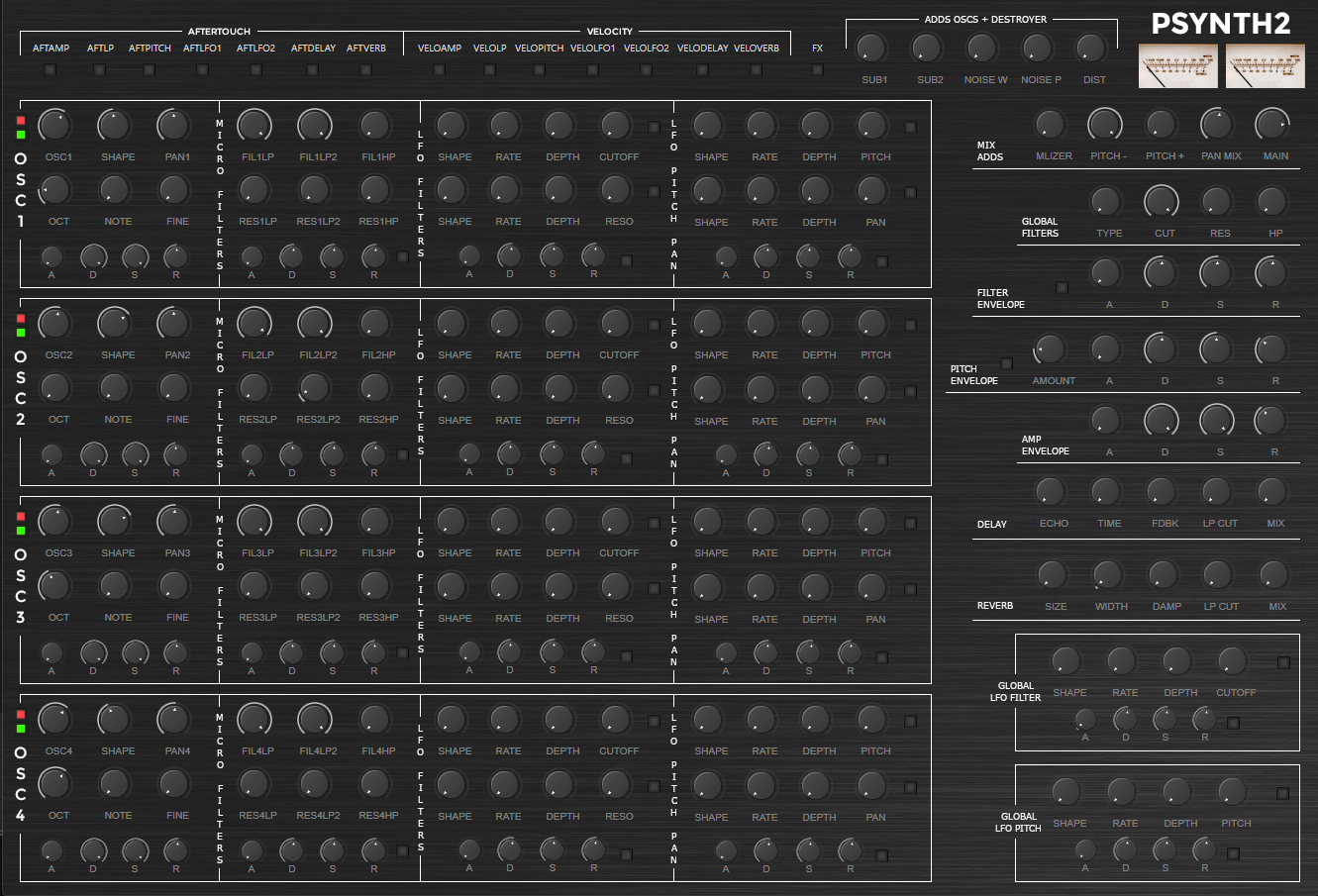
Polyphony, four oscillator sections, global filters and effects. Version 2.45 for Windows and macOS.
Free download PSynth3PSynth 3
PSynth3 is downloadable software: a VST3 synthesizer and standalone application for Windows 64-bit. No physical product is shipped.
Pricing